
${color}[#000000](Overview:)
The Identity Vault is your secure hub for storing your Personally Identifiable Information (PII). Here, you can view and update details related to your potential exposures.
Potential Exposures
Privacy Bee helps identify potential exposures of your personal information online.
Each exposure may include:
- Name
- Address
- Phone Number
- Relative
When reviewing potential exposures:
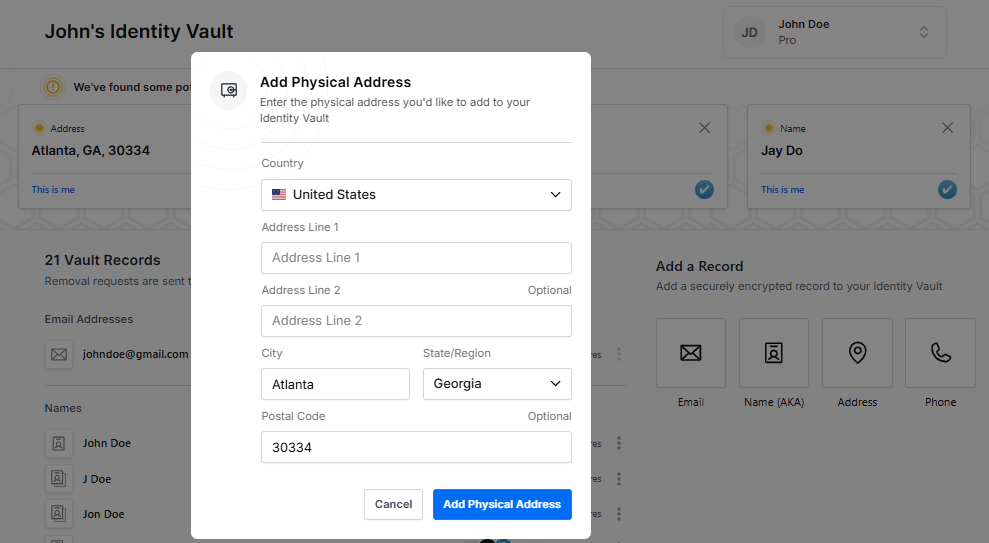
“This Is Me” button: Use this to add information to your Identity Vault. Click it if the information is yours or directly related to you.
| Adding a “Relative” is optional. Inactive email addresses and non-working phone numbers cannot be added because verification codes cannot be retrieved. Exposures not added to your vault will remain as “Discovered” in the Status category of your Data Broker page for action by our Global Response Team.
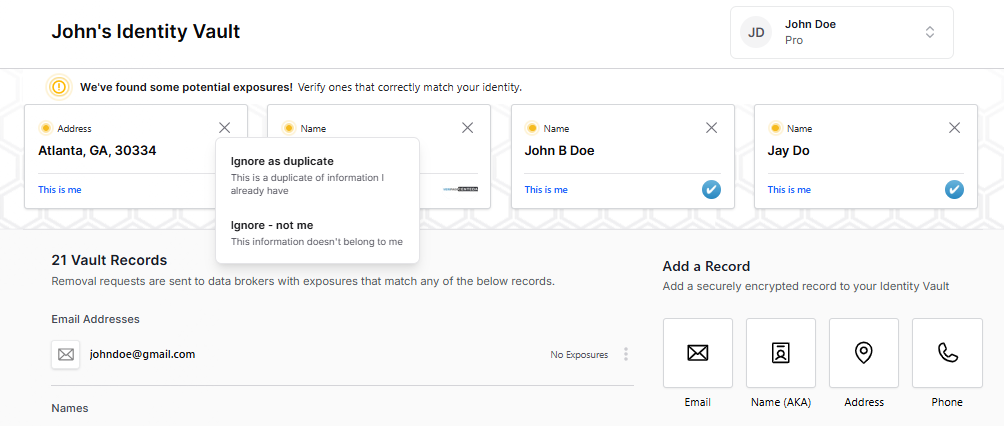
“X” button: Click to open options “Ignore as duplicate” or “Ignore – not me” when the information isn’t yours.
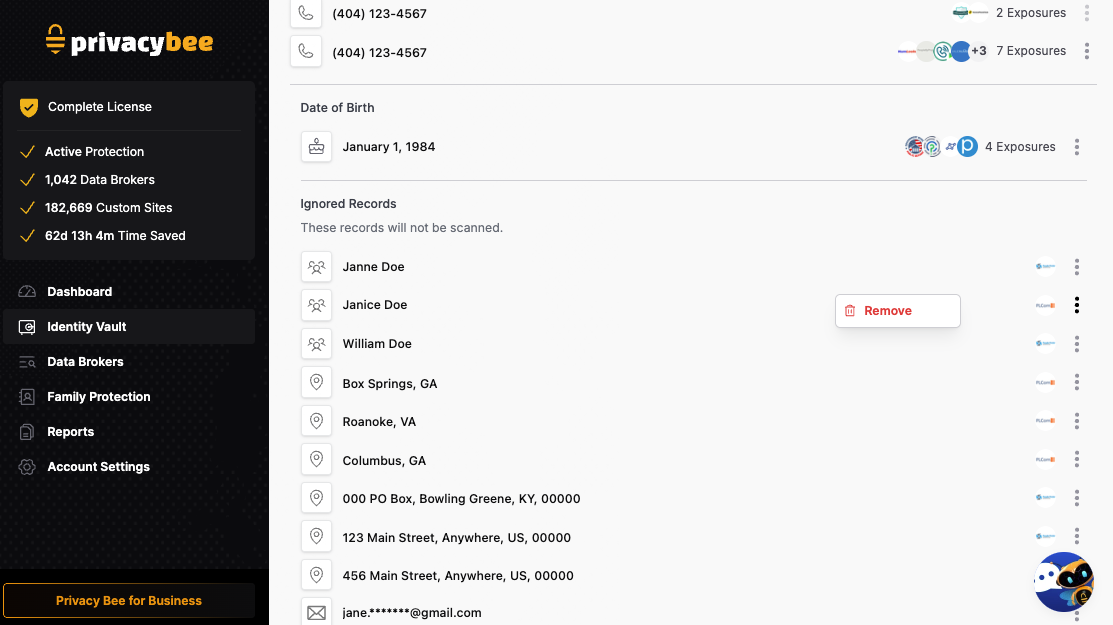
Ignored Records
This section lists exposures that are not related to you.
Partial Records
This section displays masked or incomplete information that our scans or Global Response Team were unable to verify as your identity.