Overview:
The Search Presence Scan shows where your personal information appears across major search engines and helps identify results that may need removal. This article explains how it works, what you’ll see, and how to manage your results.
How It Works
The Search Presence Scan reviews results from four major search engines:
- Bing
- Yahoo
- Yandex
When your information appears on a People Search Site or its affiliates, the result is automatically escalated for removal. If a site lacks an opt-out path or has been identified as unresponsive, the result will be noted but may not be actionable.
Understanding Your Results
Your Search Presence Scan results are broken down into views:
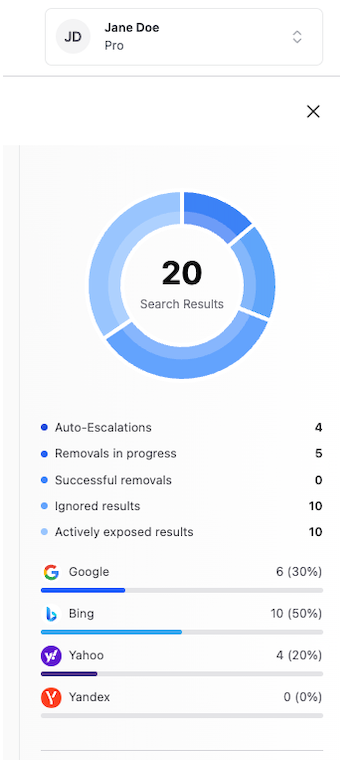
The Doughnut Chart - Shows the number of results returned by each search engine, giving you a quick visual of where your information is appearing most. The Horizontal Progress Bars - Shows the percentage of results per search engine along with the total number of results found, helping you see which platforms have the highest concentration of your exposed information.
Below the charts, you’ll find totals for the following categories:
- Auto-escalations - Results automatically flagged for removal
- Removals In Progress - Results where a removal request has been submitted
- Successful Removals - Results that have been successfully removed
- Ignored Results - Results that were preserved or marked as not applicable
- Actively Exposed Results - Results that are currently visible and have not yet been addressed
Scan Schedule
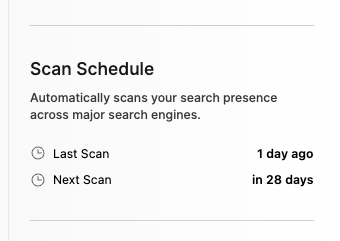
Your scan schedule shows the date of your last scan and the date of your next scheduled scan. Scan frequency depends on your license:
- Pro License - Scans run every 30 days
- Signature Services License - Scans run every 7 days
Managing Your Results
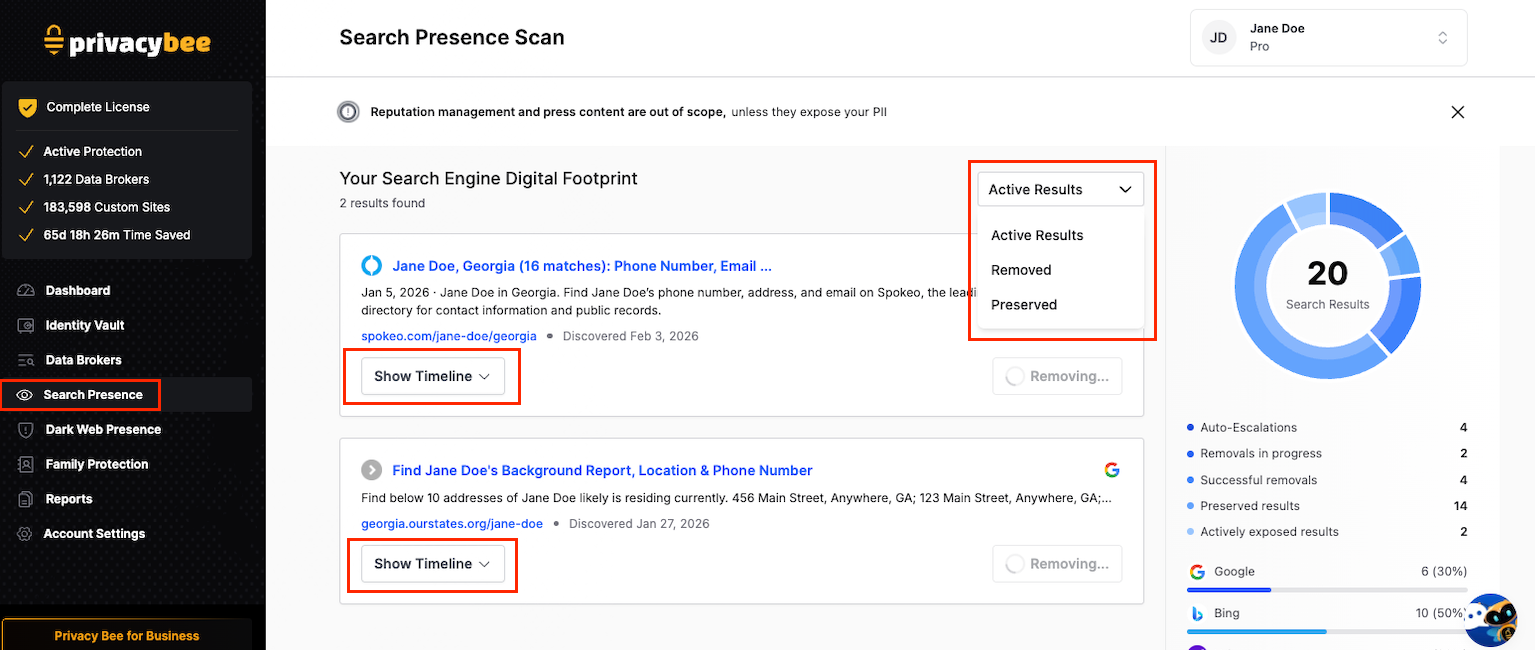
From the Search Presence page, you can review individual results and decide how to handle them:
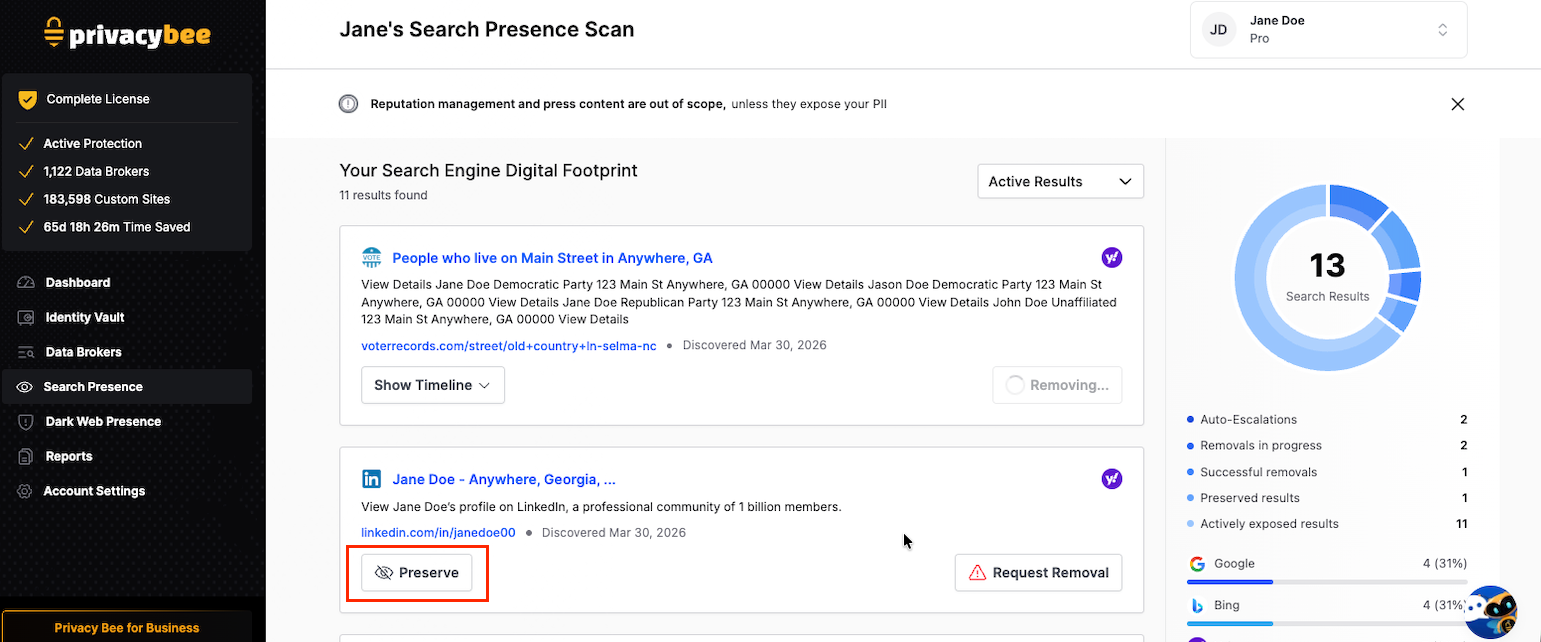
- Request Removal - Submit a removal request for results that contain your personal information.
- Preserve - Mark a result to keep it visible if it is not about you or if it is content you want people to find, such as a personal blog or professional profile.
You can view results filtered by Active, Removed, and Preserved at any time.